Who it is for
Restaurants, cafes, bakeries, food trucks, bars, caterers, pop-ups, and multi-location food brands.
AI menu studio for small businesses
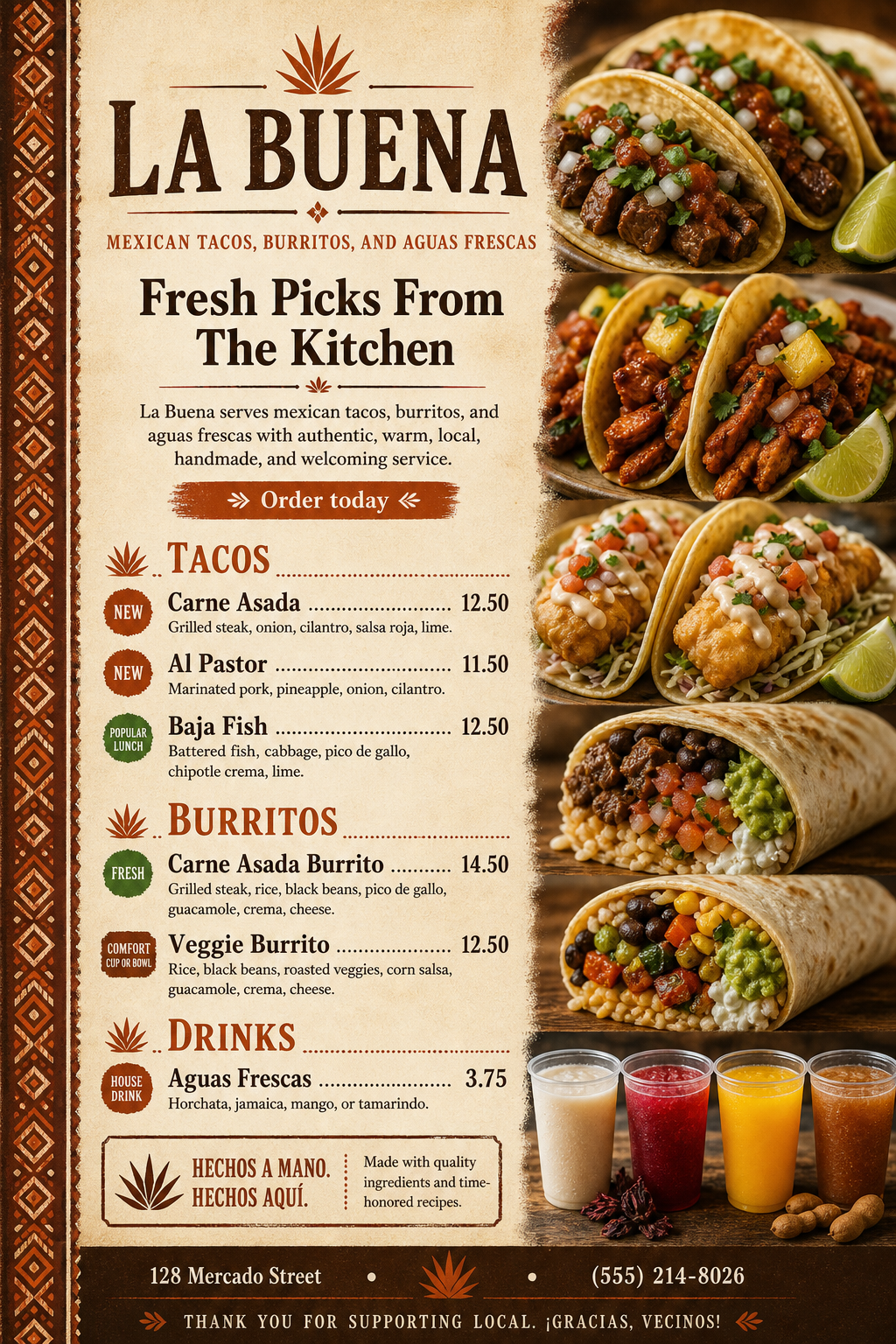
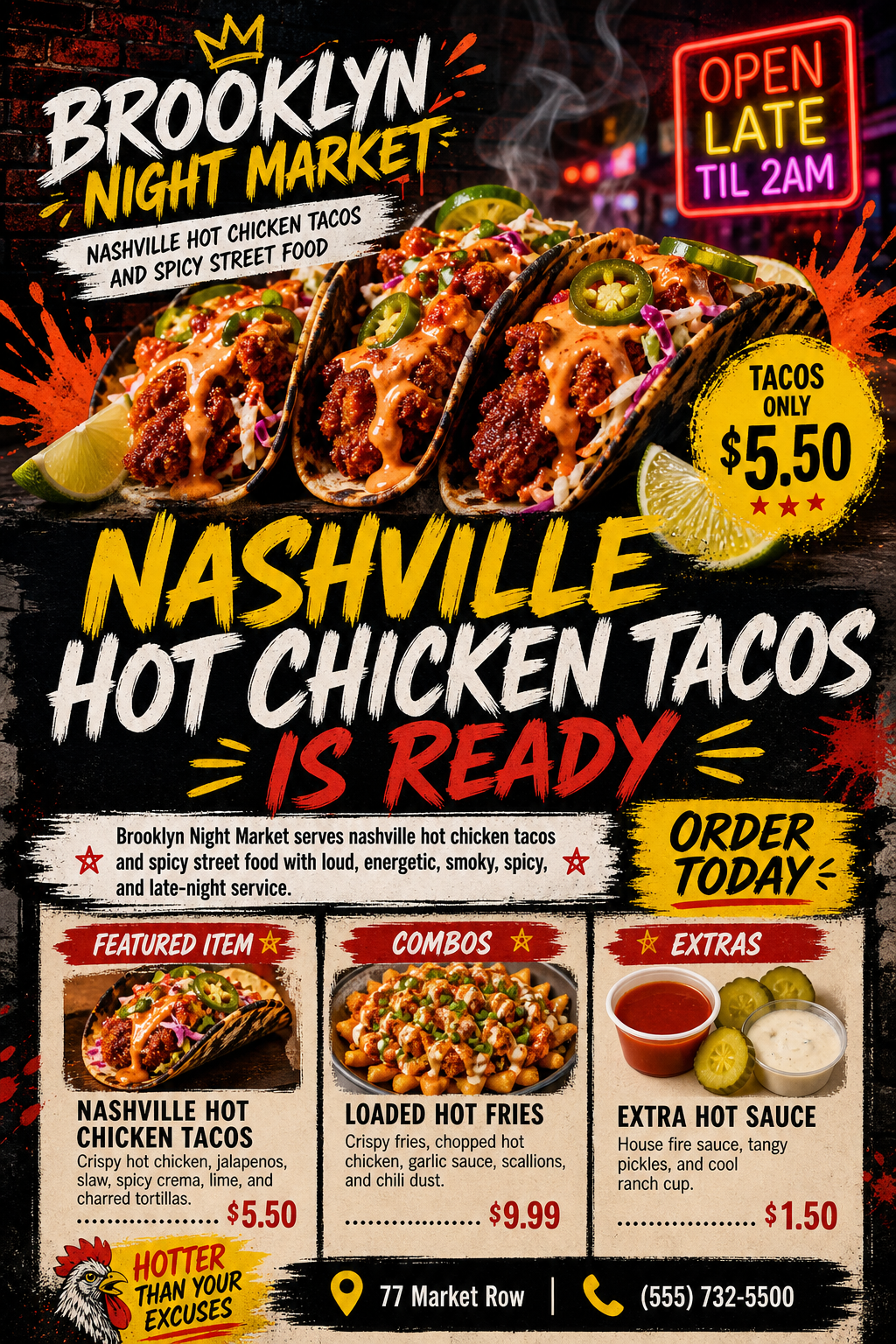
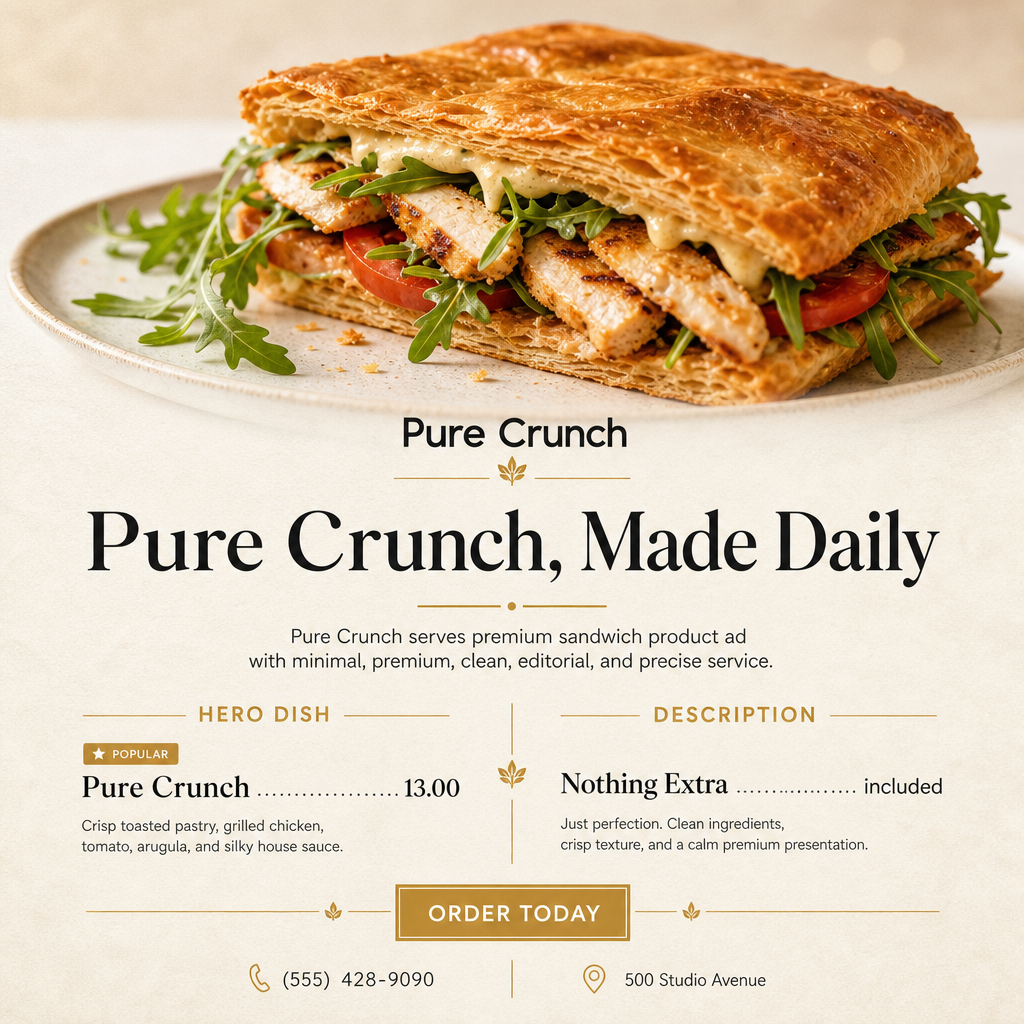
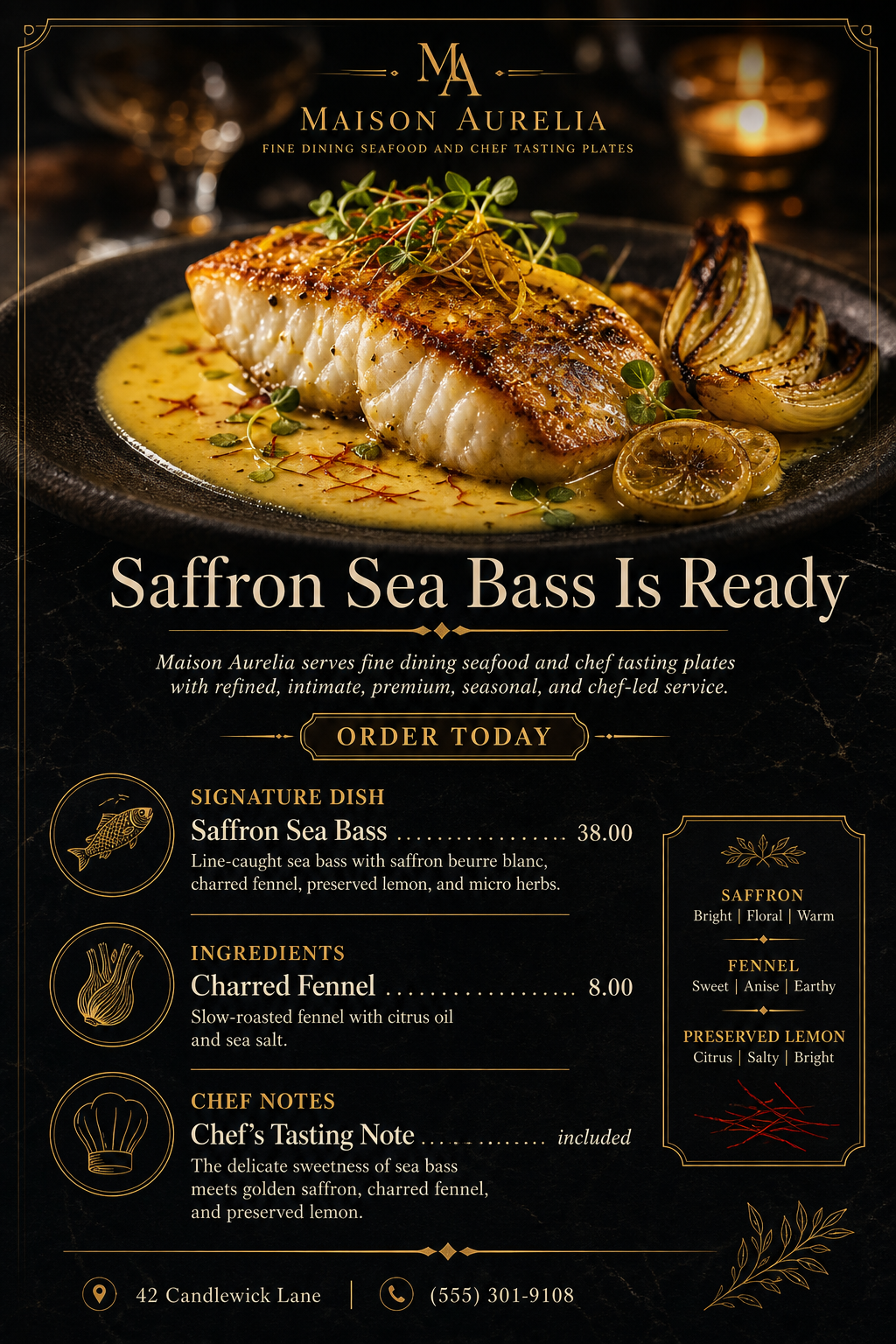
Turn dish names, prices, brand colors, and style choices into generated artwork for print, PDF, QR tables, and Instagram.
Quick answer
It turns restaurant information, menu sections, dish descriptions, prices, brand feel, and selected design directions into generated menu images and downloadable PDF files.
Restaurants, cafes, bakeries, food trucks, bars, caterers, pop-ups, and multi-location food brands.
Full menus, flyers, Instagram posts, QR menu artwork, image previews, and printable PDFs.
Choose a sample menu, update business and dish details, pick a look, then generate an image or PDF.
Generated from real test inputs
Use pre-configured design directions, then adjust colors, sections, dishes, and photo style.
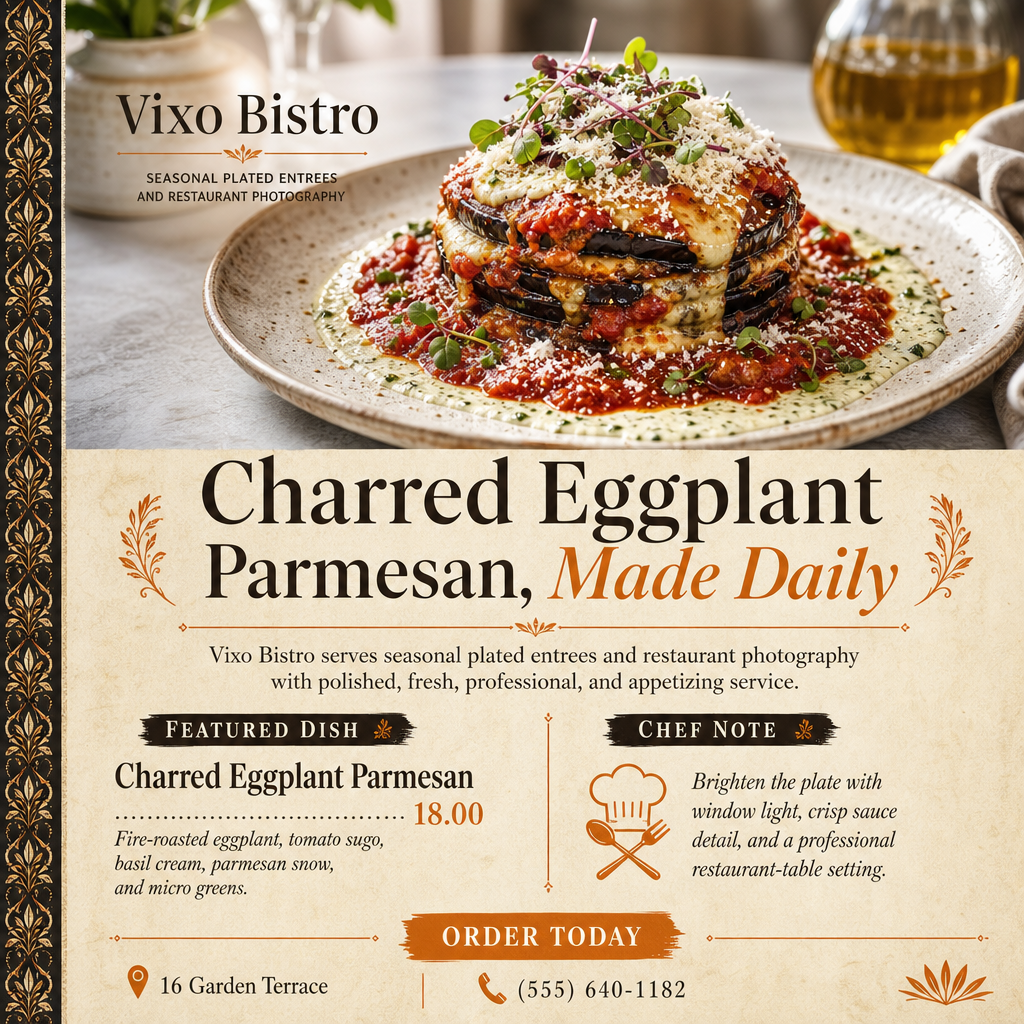
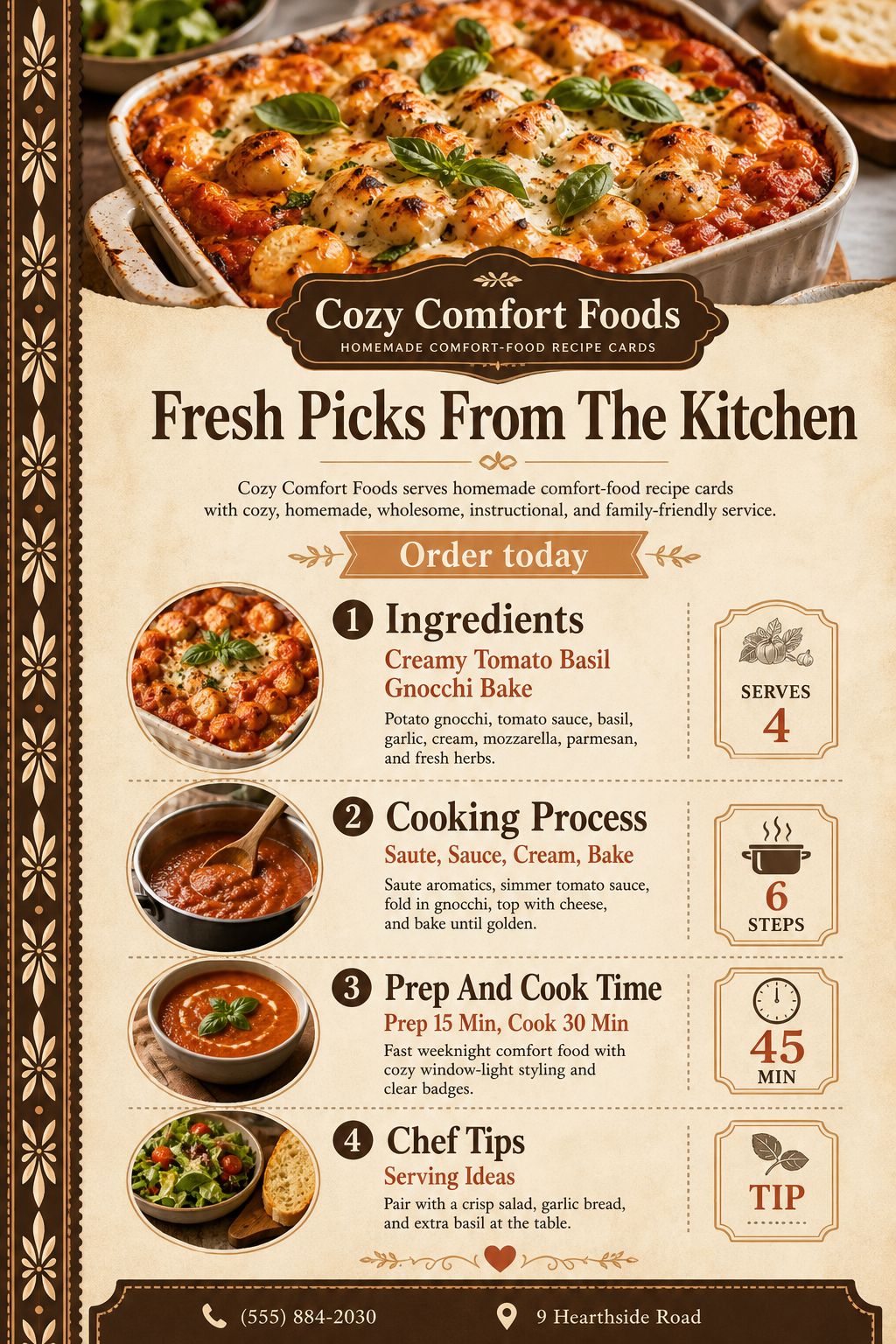
Built for non-computer people
Choose from pre-made menu styles built for restaurants, cafes, food trucks, bakeries, and bars.
Enter sections, item names, prices, descriptions, phone number, and address once.
Create PNG menu artwork for live preview, then download the image or PDF when it is ready.
Designed for busy operators
Testing plans
For a single small business testing menu ideas.
$19 10 Menu/Flyer/Insta/QR generations included 1 location Choose planFor restaurants updating specials and social posts weekly.
$49 40 Menu/Flyer/Insta/QR generations included 3 locations Choose planFor teams managing several brands or locations.
$129 150 Menu/Flyer/Insta/QR generations included 10 locations Choose planFrequently asked questions
MenuVibe AI is a web platform that helps restaurants, cafes, food trucks, bakeries, bars, and other small businesses generate menu artwork from structured menu data and simple design choices.
MenuVibe AI creates generated image previews and downloadable PDF menus. It supports full menus, flyers, Instagram posts, and QR menu artwork.
No. MenuVibe AI uses pre-made sample menus, style presets, and design direction dropdowns so non-technical users can create a menu without writing a blank prompt.
Yes. The dashboard supports multiple locations, each with its own business details, menu sections, menu items, and saved design settings.
Yes. Menus can include a business phone number and address so customers can contact or visit the business.